Using a Terminal
Question
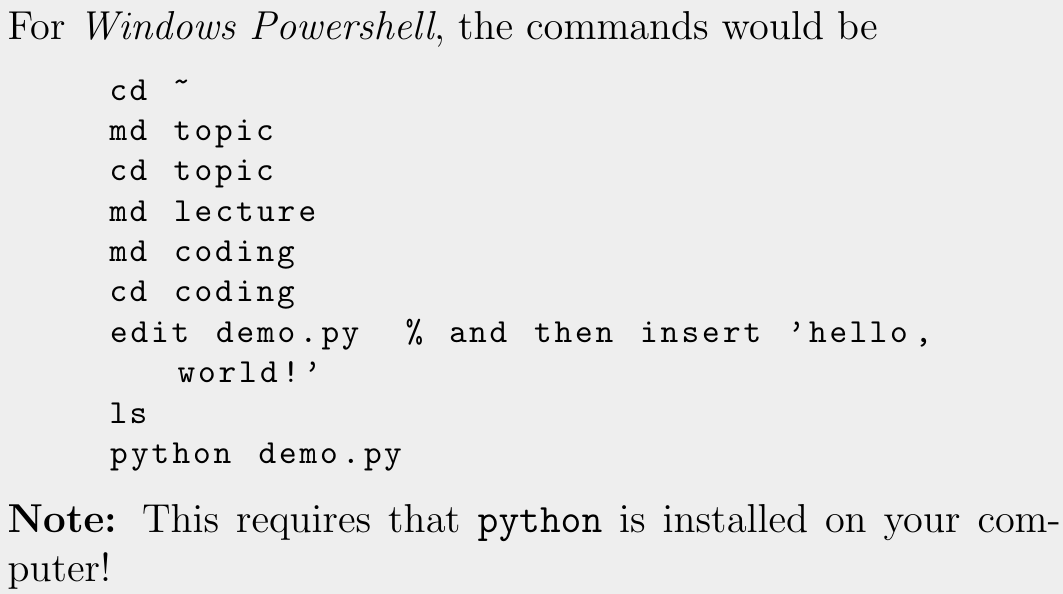
Using a terminal or a command-line, perform the following
actions:
- Go to your home-directory.
- Create a sub-directory called
topic. - In
topic, create two new sub-directories calledlectureandcoding. - In coding, create a text-file
demo.py, using the terminal. That file should contain the one-liner:
print(’hello,world!’) - Show the content of that folder.
- Execute
demo.py, by typing:
python demo.py.
Answer